
ContactB1GPlayer–Trial,Setup&Support
Contact the B1G Player team when you want to request a free trial, compare subscription options, install the app, renew an account or apply for reseller access.
Include your device type and a clear description of your enquiry so the support team can provide relevant instructions.
Assistance is available for B1G IPTV subscription questions, B1G Player installation, login problems, renewals and reseller enquiries.
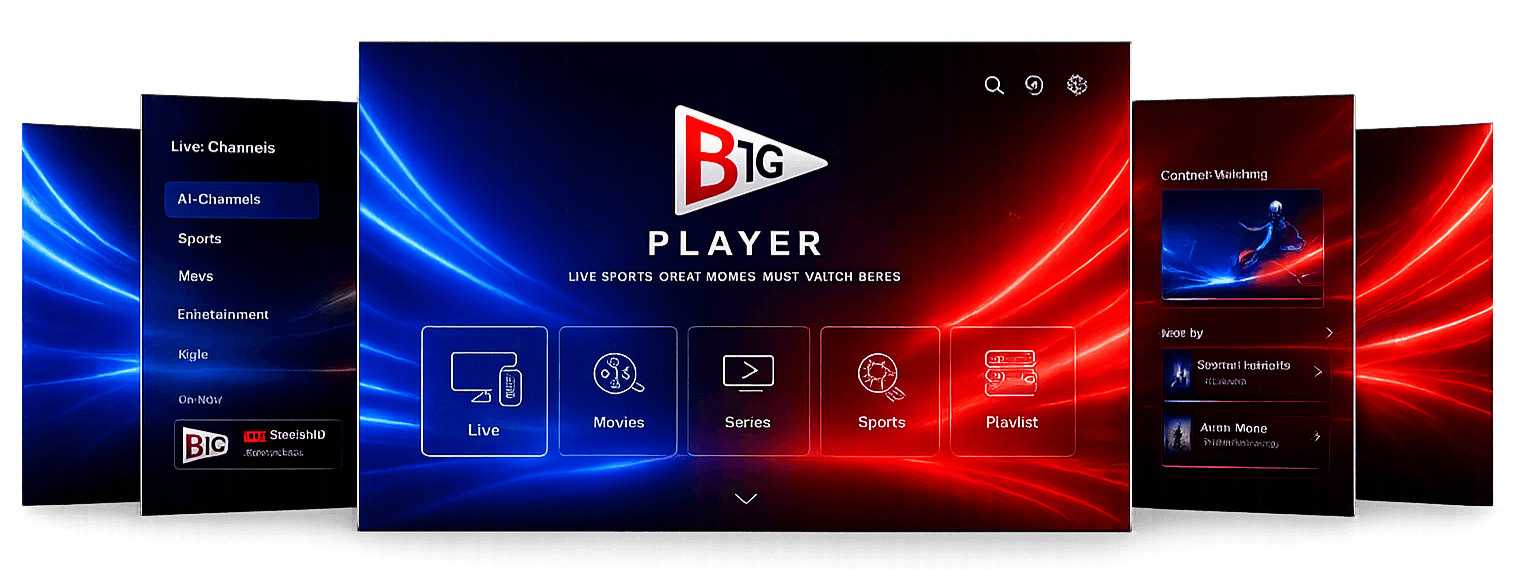
ContactB1GPlayer–Trial,Setup&Support
Contact the B1G Player team when you want to request a free trial, compare subscription options, install the app, renew an account or apply for reseller access.
Include your device type and a clear description of your enquiry so the support team can provide relevant instructions.
Assistance is available for B1G IPTV subscription questions, B1G Player installation, login problems, renewals and reseller enquiries.
Support Areas
How Can We Help?
Contact support for free-trial requests, subscription-plan questions, activations, installation, login issues, renewals, or reseller enquiries. Choose the correct enquiry type on the contact form below.
Request a Free Trial
A trial allows you to check:
- Device compatibility
- B1G Player navigation
- Channel loading speed
- Available content categories
- EPG functionality
- Picture and stream quality
- General playback stability
Use the same device and internet connection that you intend to use with a paid plan. Trial availability depends on current support demand.
Send Your Enquiry
Fill in the support enquiry form below and our response team will get back to you.
What to Include in Your Message
To help us resolve your enquiry quickly, please provide as much of the following as possible:
- Full name
- Email address or contact number
- Device type & exact model
- IPTV application name
- Trial or paid-account status
- Username or order reference
- Any error message displayed
- Clear description of the issue
- Steps already attempted
Do not send payment-card information or passwords for unrelated accounts.
Before Contacting Support
Most streaming playback issues can be resolved with a few simple steps. Please try:
- Restarting the application
- Restarting the device
- Restarting the router
- Checking credentials accuracy
- Removing accidental spaces
- Confirming account active status
- Testing another channel source
- Updating to latest app version
Please let us know whether the issue affects:
- One channel
- One category
- All content
- Login
- App installation
- The subscription itself
Reseller Enquiries
We offer a dedicated reseller programme for businesses and individuals managing client subscriptions.
To apply for panel credentials, please choose **Reseller Enquiry** on the contact form, or learn more about credit tiers and features on the reseller details page.
Please include the following in your message:
- Registered business name
- Operating country & region
- Size of existing customer base
- Expected monthly subscription activations
- Preferred starting credit package tier
- Details of past reseller panel experience
Contact Help
Contact FAQs
Choose Free Trial on the contact form and include the device you intend to use.
Yes. Explain your preferred duration, device and viewing requirements.
Support can provide installation instructions and troubleshooting guidance.
The current official code is 4172090.
Yes. Choose Renewal or Upgrade.
Yes. Select Reseller Enquiry and provide the requested business details.